Checking suspicious texts and screenshots for scams without sending private messages to the cloud.
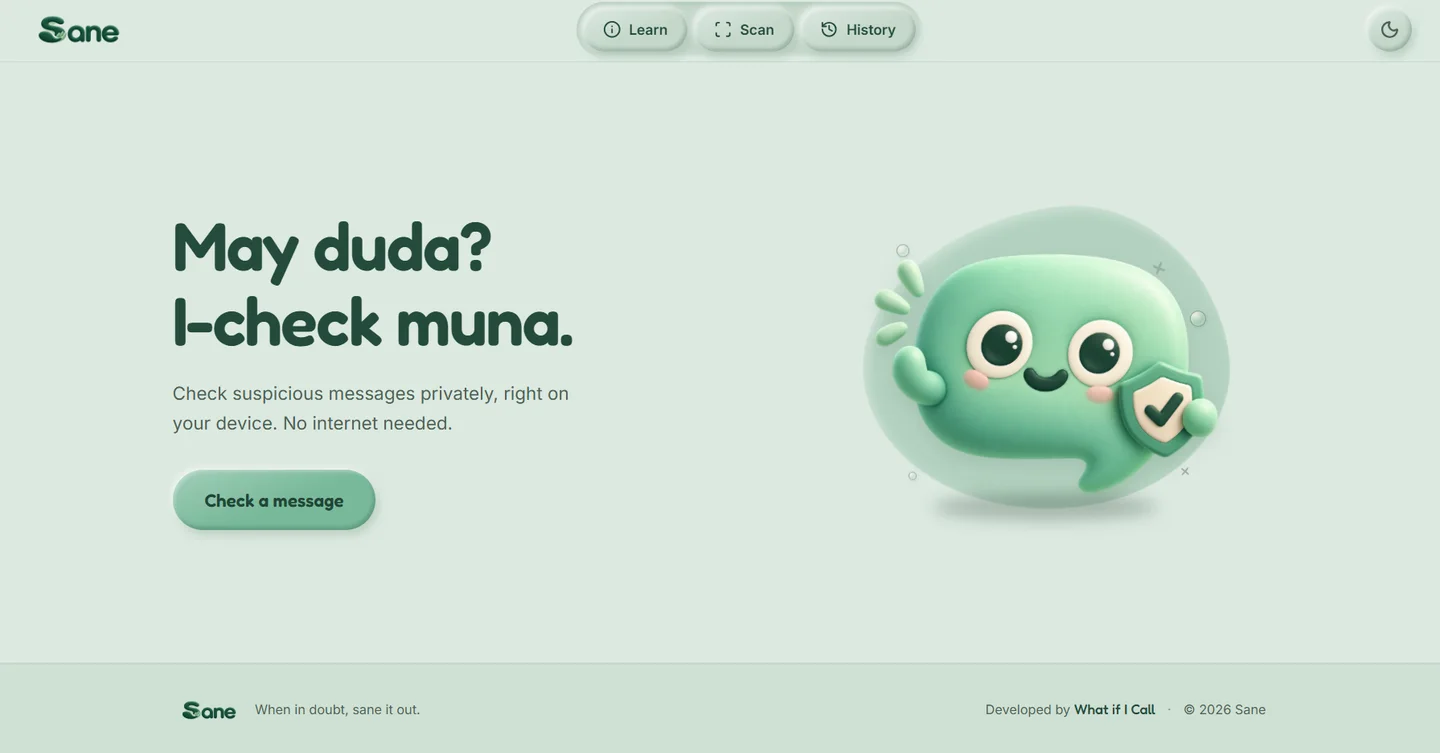
People want a fast second opinion on suspicious bank, wallet, and delivery texts, but cloud AI tools require uploading messages that contain private account details and one-time passwords. We built an installable web app that scans texts and screenshots in English, Filipino, and Taglish entirely on the user’s phone.
Project overview at a glance
- 01 / The problem
- Suspicious texts often sit right next to real bank notices, one-time passwords, and family chats that should never be uploaded to an external AI server.
- 02 / What we built
- We built an installable web app that reads screenshots and checks message patterns directly inside the phone’s browser, with no server or cloud database behind it.
- 03 / What changed
- Users get a clear risk breakdown in English, Filipino, or Taglish even when offline, and their private messages never leave their device.
- Runs 100% on the user’s device after loading, with zero messages or screenshots sent to a server.
- Reads both pasted text and uploaded chat screenshots in English, Filipino, and Taglish.
- Caught 15 of 15 scam messages on the test set and 16 of 16 on the evaluation set with zero false alarms.
The problem
Scam messages in the Philippines closely mimic GCash, Maya, local banks, parcel couriers, job offers, and even messages from relatives. When someone receives an urgent text asking them to click a link or confirm a code, they want a quick, reliable second opinion.
The catch is privacy. The very messages people need to check often contain one-time passwords, account balances, or personal family conversations. Uploading those screenshots to a cloud chatbot puts sensitive data on someone else’s server, and most international tools misread Tagalog and Taglish phrasing or stop working without mobile data.
What we did
Built with team What If I Call for the AppBuildersPH 2026 Local AI challenge, we designed Sane around a strict constraint: the app had to work without a backend server so a user’s message could never leave their phone.
Instead of relying on a single AI model that might guess, we layered three checks inside the browser:
- Rule checks for known traps: Instant checks flag lookalike bank domains, shortened links, and pressure tactics asking for PINs, OTPs, or advance fees.
- Pattern matching across languages: A compact language model running directly on the device compares the message against common scam scripts in English, Filipino, and Taglish, plus a screenshot reader that extracts text from images.
- Plain-language explanations: When a device supports on-device AI acceleration, a local model explains why the message was flagged in everyday terms without overriding the safety verdict.
The result
Sane is live at sane-ph.vercel.app as an installable web app that works offline after the first visit. Across the project’s evaluation sets, it identified 15 out of 15 scam messages in the primary test set and 16 out of 16 in the secondary set without flagging legitimate bank or personal messages as scams.
For businesses handling sensitive client records, medical notes, or financial documents, Sane demonstrates how our team builds practical AI tools where private data stays on the device by design.
Next step
Tell us the problem. We will find the clearest way through.
A discovery call is a short conversation about what is slowing you down and what a good outcome looks like.